
Manual: How to Stream to XLoveCam
A few words about Streamster
Streamster is a free broadcasting software for Windows. Being popular among streamers from all over the world, including performers of adult live streaming industry, it provides high video quality, a number of useful tools for video editing. Streamster’s multistreaming feature allows you to stream to XLoveCam and other platforms simultaneously.
1. Setting up an external encoder on XLoveCam.
1.1. Log in to your account on xlovecam.com.
1.2. Click the “Start your show now“ button in the upper right corner.
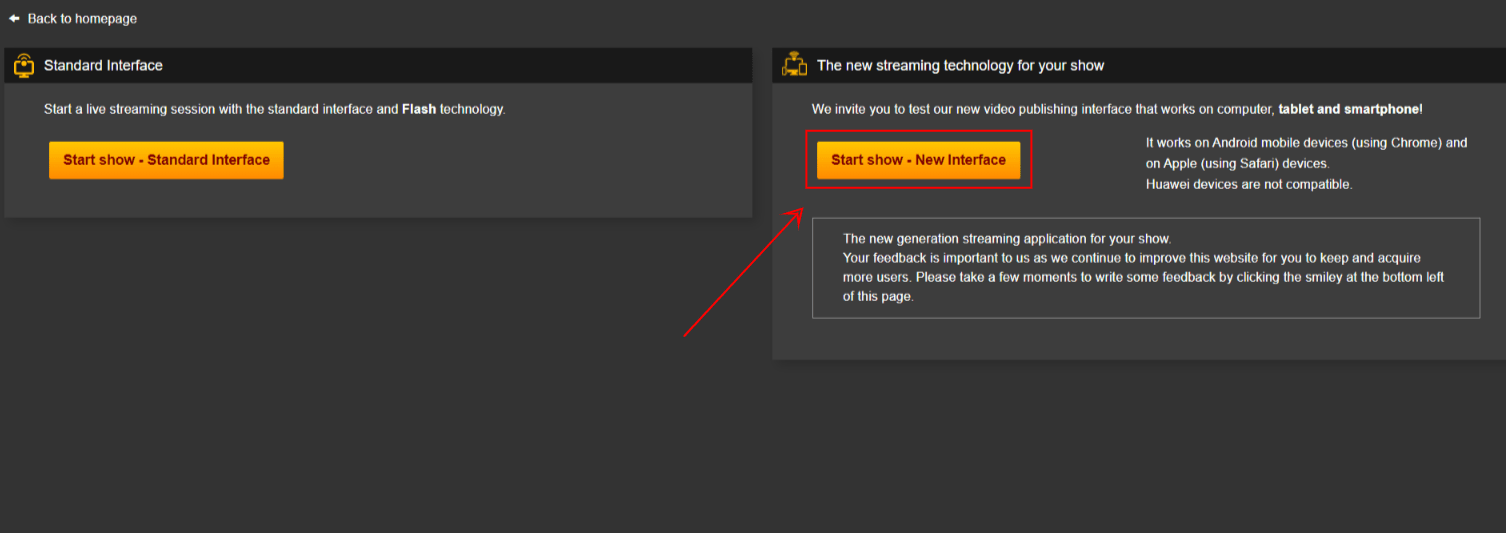
1.3. Click the “Start show – New Interface” button.
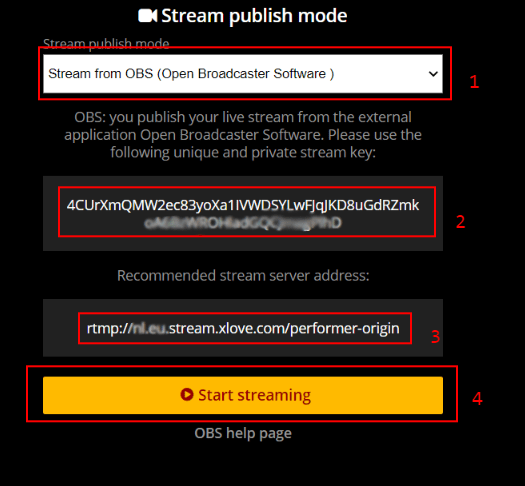
1.4. Choose the “Stream from OBS” option in the “Stream publish mode” field (1). Copy your private stream key (2), stream server address (RTMP Url) (3), and click the “Start streaming” key (4).
2. Setting up the Xlovecam channel in the Streamster app.
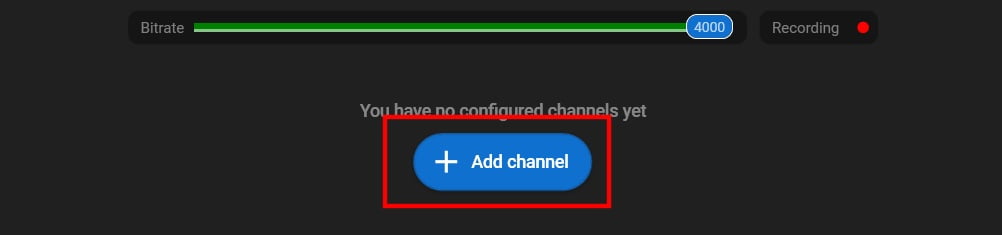
2.1. Click “Add channel” button.
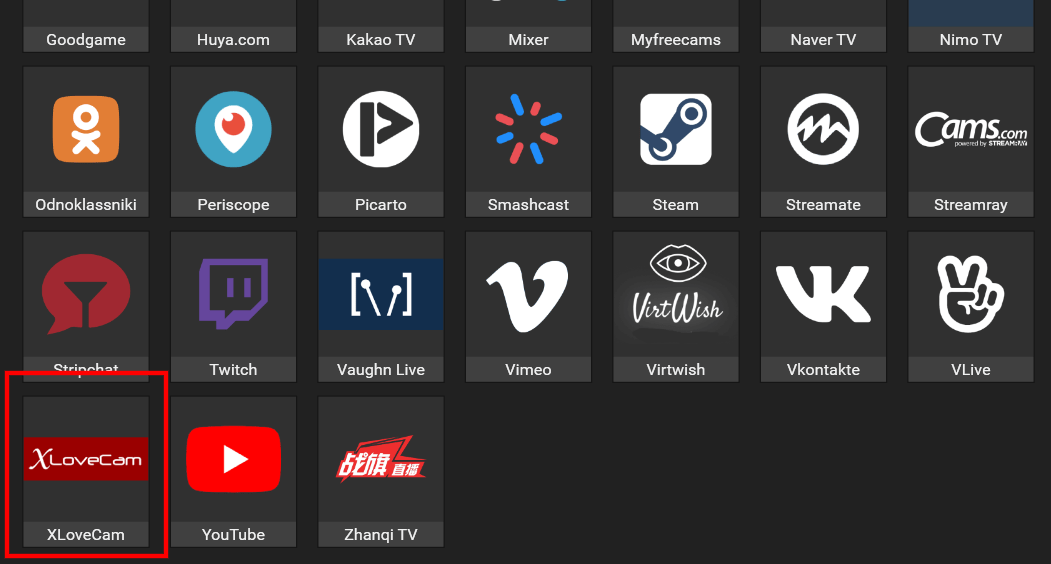
2.2. Select the XLoveCam channel from the list.
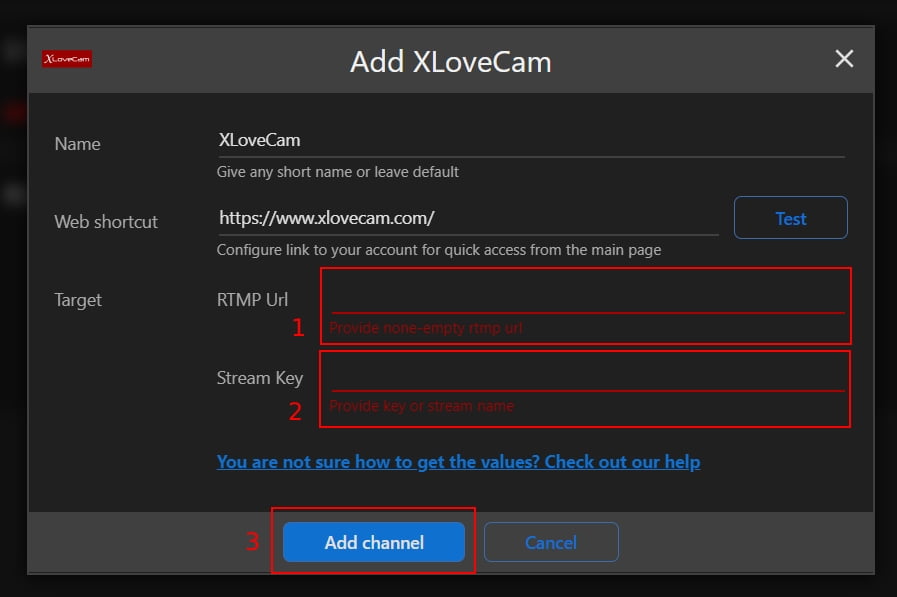
2.3. Paste your stream key (1), RTMP URL (2), and click the “Add channel” button (3).
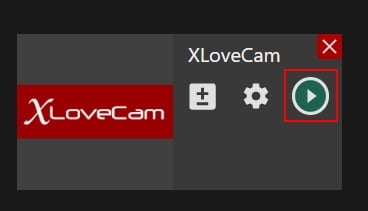
2.4. Launch your stream on the platform.
More articles:
- Why using Streamster for cam models
- How to stream to Chaturbate with external encoder
- How to stream to blocked websites
- How to stream to Myfreecams with external broadcaster
- How to add the watermark (image overlay) to your live stream

Looking for more info about setting up live streams for cam models?
Check out guides for newbies and experienced performers on Camgems. Video preferences explanations, stream overlay guides, mobile and desktop streaming and much more information for the cam model career success.