
Manual: How to Stream to Ok.ru With External Encoder
Why Streamster?
Streamster is the video content creation and live streaming app for Windows. It has many features for video editing and live stream management. And it also can deliver the live stream to multiple platforms with the help of restreaming technology. Streamster cloud-based multistreaming feature helps to expand your audience. It means that you can stream your video to Odnoklassniki and other popular platforms at the same time with no additional processor and network load.
1. Set up the external encoder on Ok.ru
1.1. Log in to your account on ok.ru.
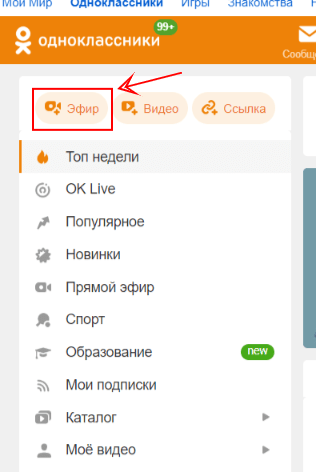
1.2. Click the “Live” button.
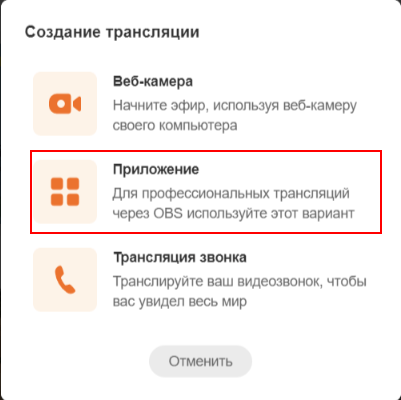
1.3. Choose the “Application” option.
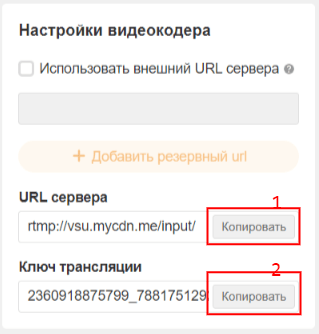
1.4. Copy the Ingest server link (1) and Stream key (2).
2. Set up the Odnoklassniki channel in Streamster
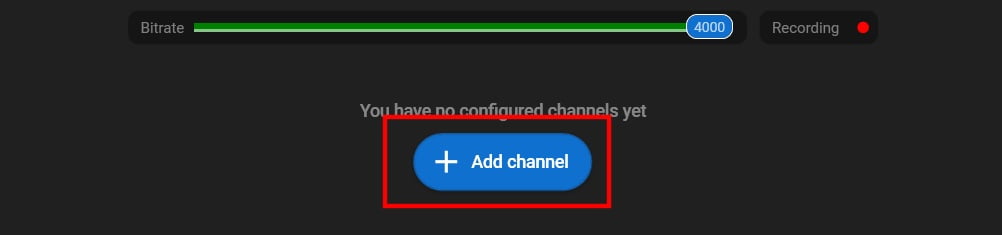
2.1. Click the “Add channel” button.
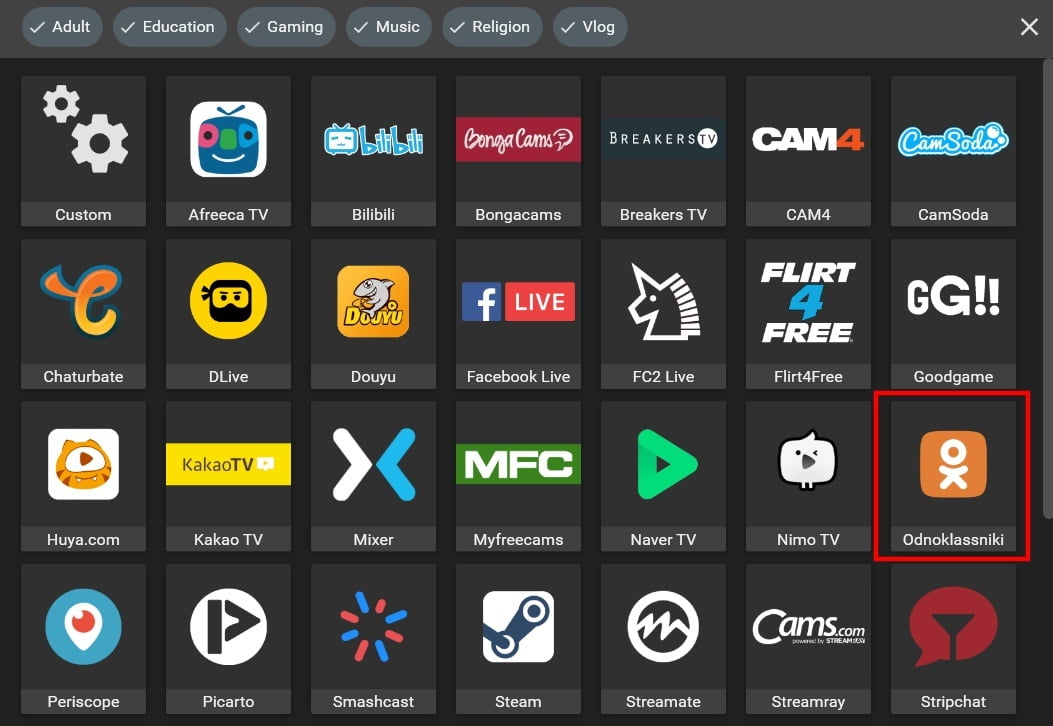
2.2. Click on the “Ok.ru” logo.
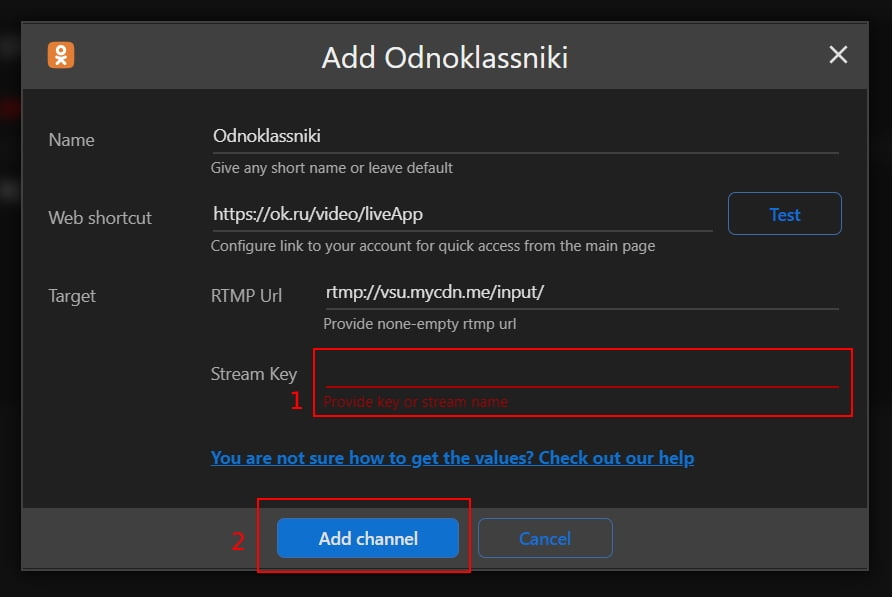
2.3. Paste your Stream key (1), RTMP URL (2), and click the Add channel button (3).
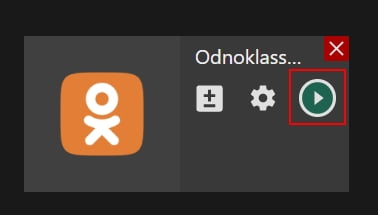
2.4. Start your live stream on the platform.
More articles:
- How to stream the sound from the PC and from the mic simultaneously
- How to flip the live stream video horizontally
- How to zoom in/out on a live stream
- How to stream from multiple cameras
- How to add the watermark (image overlay) to your live stream