
Manual: How to stream to Nimo TV with external encoder
What is Streamster and what kind of benefits does it have?
Streamster is a Windows video content creation and live streaming app. It can deliver your stream to multiple platforms with the help of restreaming technology, which helps streamers to expand their audience.
Starting using Streamster to expand your audience is very simple – just download and install the app.
1. Set up external encoder streaming on Nimo TV
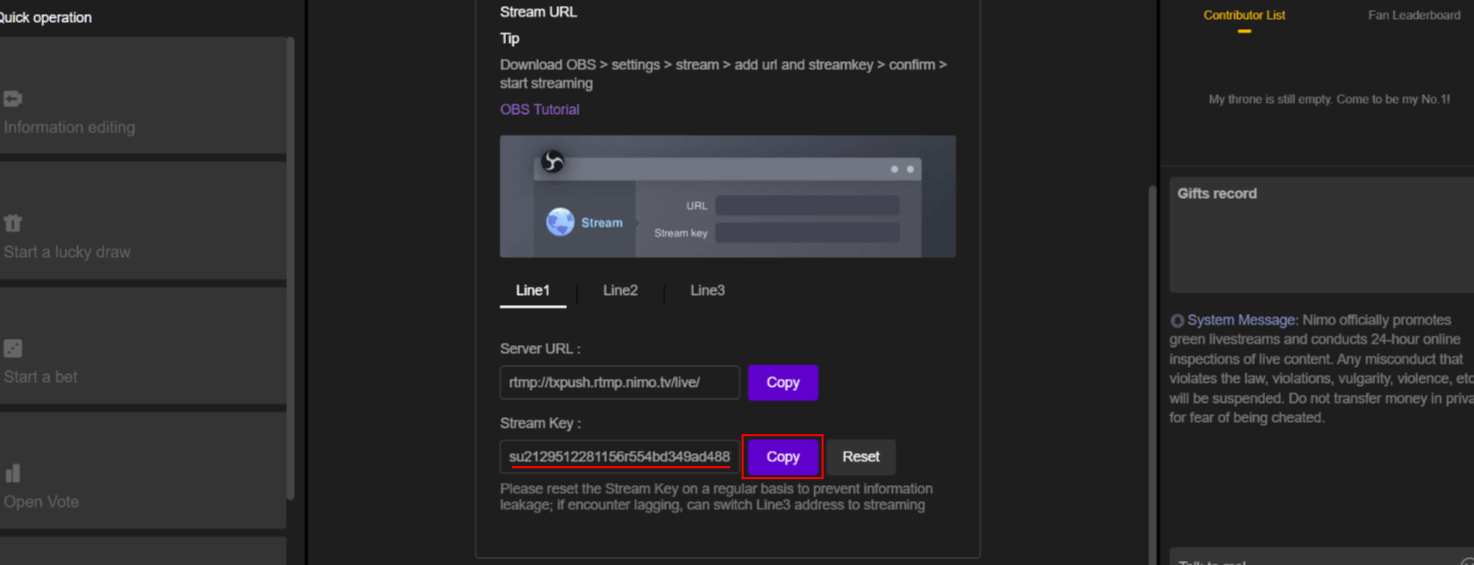
1.1. Log in to your Nimo TV account and click the “Go Live” button on the top of the page.
1.2. Copy Stream Key field input.
2. Set up Nimo TV channel in Streamster
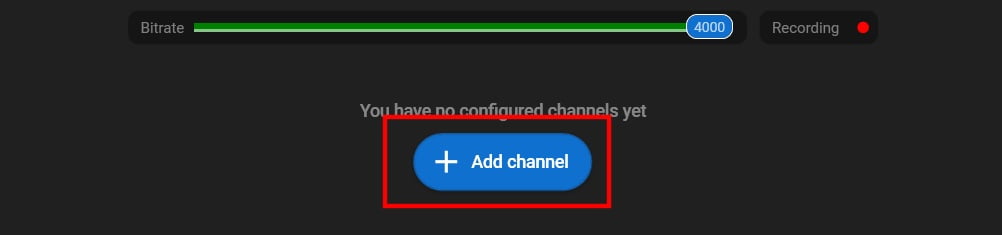
2.1. Click “Add channel” button.
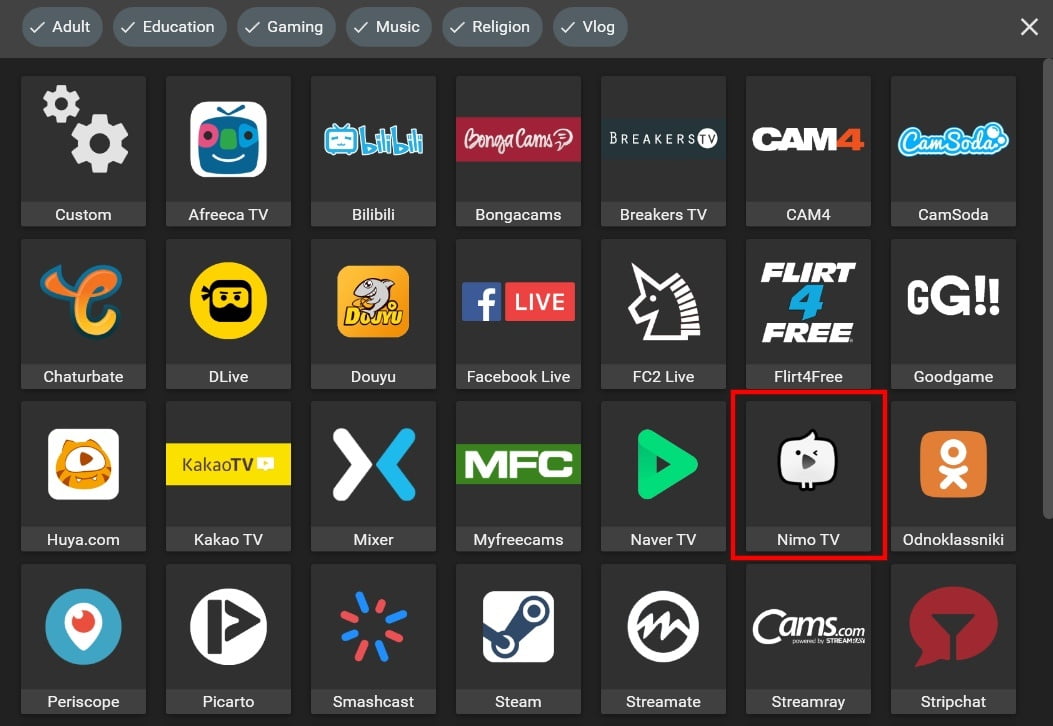
2.2. Choose “Nimo TV” from the list of channels.
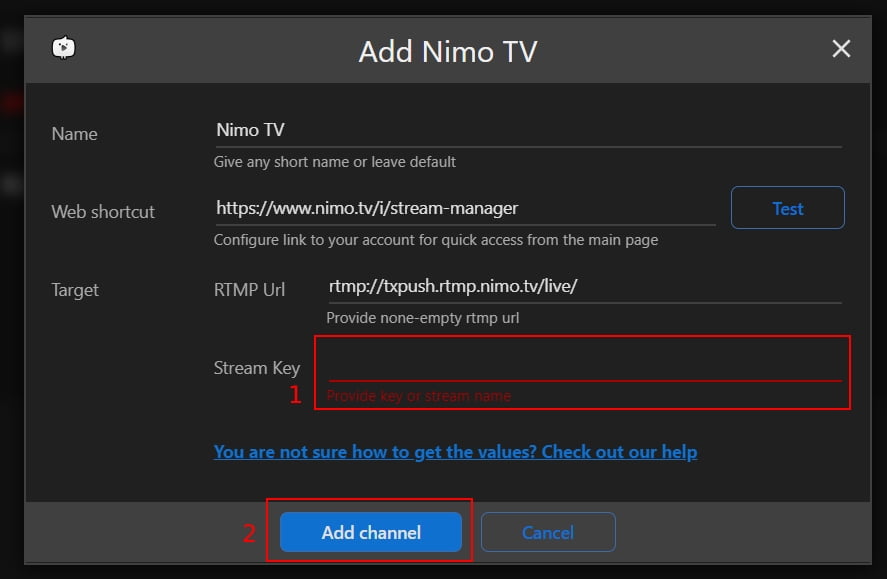
2.3. Paste your stream key (1), and click the Add channel button (2).
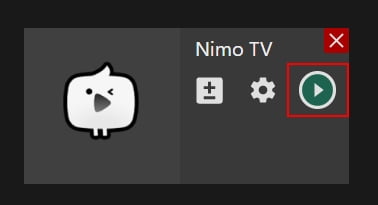
2.4. Start your live stream on the platform.
More articles:
- How to stream to Facebook and Youtube at the same time for free?
- How to flip the live stream video horizontally?
- How to zoom in/out on a live stream?
- How to stream from multiple cameras?
- How to add the watermark to your live stream?