
Manual: How to stream to Bilibili with external encoder
Why Streamster?
Streamster is the video content creation and live streaming app for Windows. It has many features for video editing and live stream management. And it also can deliver the live stream to multiple platforms with the help of restreaming technology, which allows streamers to expand their audience, streaming to Bilibili and other platforms simultaneously.
Starting using Streamster to expand your audience is very simple – just download and install the app.
1. Set up the external encoder on Bilibili
1.1. Log in to your account on bilibili.com
1.2. Find your encoder settings and with Server URL field (1) and Stream Key field (2).

2. Set up the Bilibili channel in Streamster
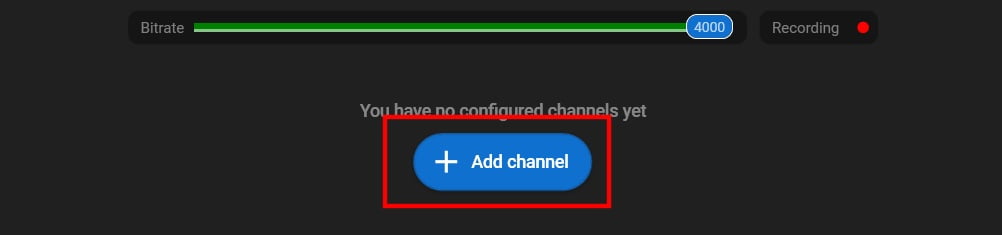
2.1. Click “Add channel” button.
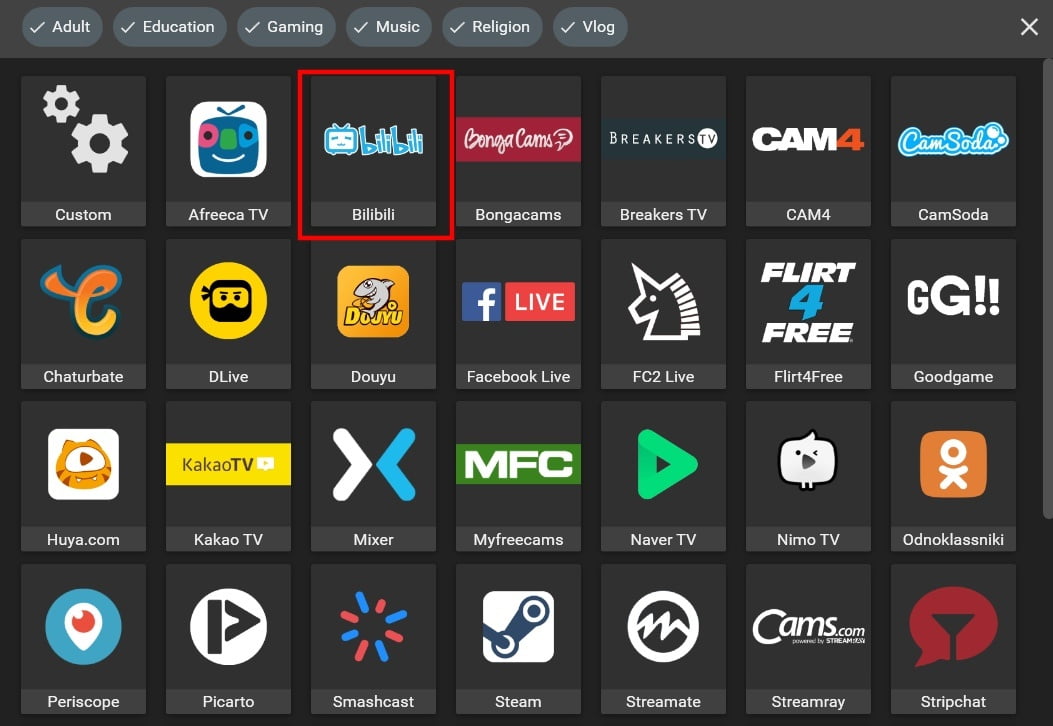
2.2. Choose “Bilibili” from the list of channels.
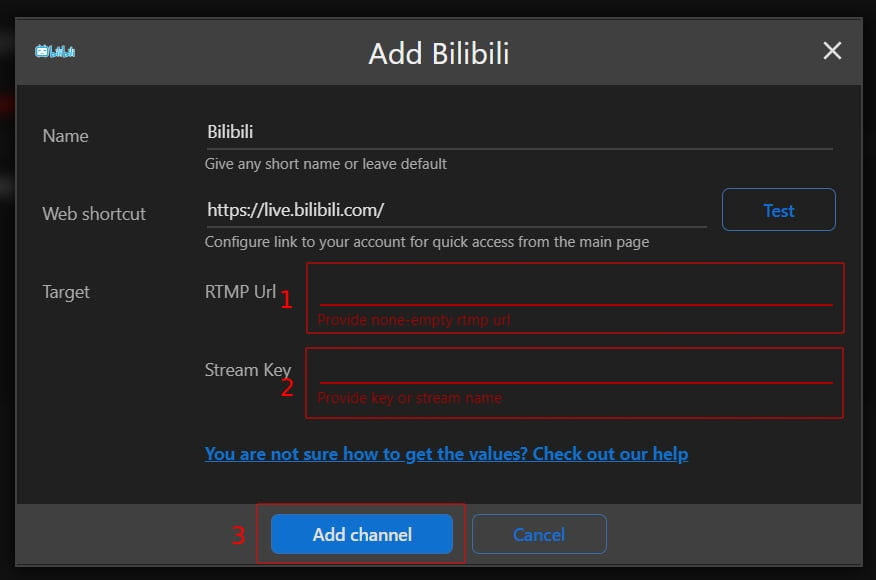
2.3. Paste your RTMP URL (1), and Stream key (2), and click the Add channel button (3).
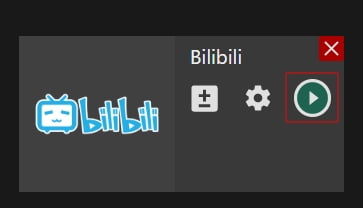
2.4. Launch the live stream on the platform.
More articles:
- How to multistream to Youtube with streaming software
- How to multistream to Facebook with the Stream key
- How to zoom in/out on a live stream
- How to stream from multiple cameras
- How to add the watermark (image overlay) to your live stream